WARNING: This product contains nicotine. Nicotine is an addictive chemical.
Article Search:

To get the best performance from your device, follow the Brass Knuckles battery instructions carefully. Charge the battery fully before use; the indicator light will turn green when it's ready.
Following these Brass Knuckles battery instructions will help ensure your battery lasts longer and provides the best vaping experience. Regular maintenance, like cleaning the connection points, is also essential for optimal performance.
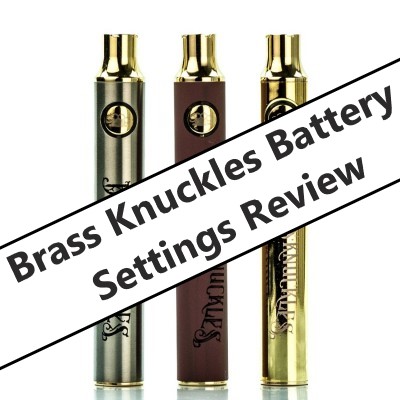
The Brass Knuckles battery is a compact cart vaporizer designed for use on the go. The Brass Knuckles battery settings and functionality allow effortless using this device with any experience level. We've written the Brass Knuckles battery settings review and have described the most frequent question received from our customers. Below you'll find how to use the Brass Knuckles battery, why is the Brass Knuckles battery not working, why Brass Knuckles battery green light blinks, and which Brass Knuckles battery color settings exist.

Knowing how to charge a Brass Knuckles battery properly is essential for maintaining its performance and longevity. First, connect the battery to the USB charger that came with it or a compatible 510 USB charger.


